
Document-Management Agent
An intelligent document-management agent that organises files end to end — content analysis, automatic classification and smart routing to the right recipients.

- SAVED / MONTH — SMALL TEAM
- 20–40h
- SAVED / MONTH — MID MARKET
- 80–160h
- SAVED / MONTH — HIGH VOLUME
- 250h+
- LESS TIME ON FILING
- 80%
What it automates
- C·01
Content analysis with OCR
Documents are read and understood — including scans — so classification is based on what's inside.
- C·02
Smart renaming
Files are renamed to your naming convention from their content and metadata, automatically.
- C·03
Multi-page splitting
Combined PDFs are split by destination so each part reaches the right place.
- C·04
Automatic classification
Each document is sorted into the right category without manual sorting.
- C·05
Routing to teams
Documents are routed to the department that owns them, with rules you define.
- C·06
Unclassified alerts
Anything the agent can't confidently place is flagged for a person instead of misfiled.
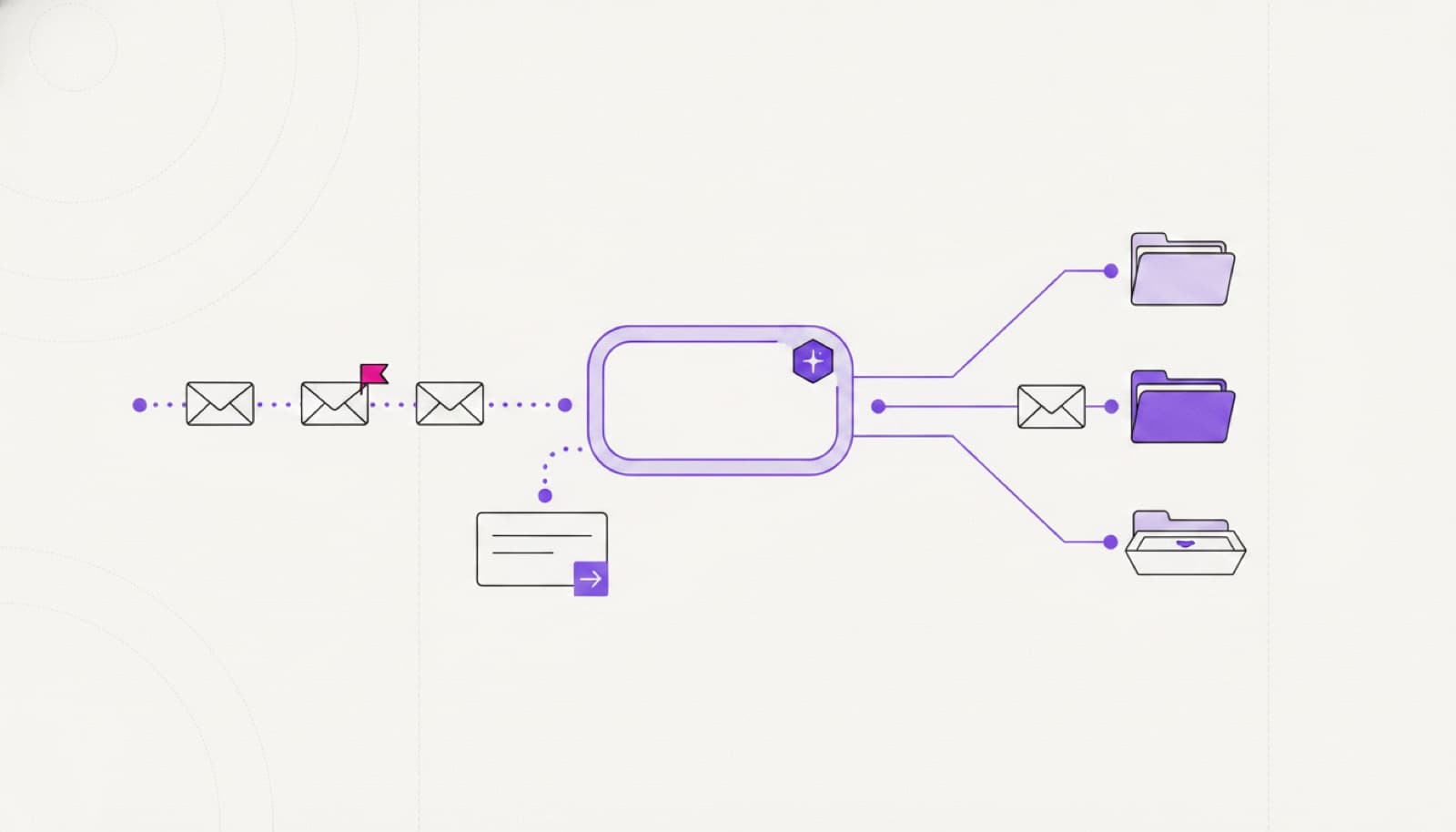
A filing flow that reads the document so your team doesn't have to.
A file lands — scan, PDF or email attachment — and the agent reads what's inside, renames it to your convention, splits combined PDFs and routes each part to the team that owns it, in the storage you already use. Every move follows rules you defined and is logged; anything the agent can't place with confidence is flagged for a person instead of misfiled.
- document lands
- content read via ocr
- renamed to convention
- routed to owning team
- unclear items flagged
Measured in hours saved.
The agent reads, renames and routes on your rules; anything it can't confidently place is flagged for a person. Documents stay in your storage — nothing leaves your environment.
- 20–40hSAVED / MONTH — SMALL TEAM
- 80–160hSAVED / MONTH — MID MARKET
- 250h+SAVED / MONTH — HIGH VOLUME
- 80%LESS TIME ON FILING
How we take it to production
STEP 1 Pre-design
Discovery call and a technical audit of how documents arrive, get named and get filed today.
STEP 2 Rules and data
We map categories, naming conventions, routing rules and the systems the agent writes to.
STEP 3 Pilot
We run the agent on real documents — content analysis, renaming, splitting and routing, reviewed.
STEP 4 Rollout
We measure hours saved and misfiling avoided, then scale across teams and document types.
01How does it classify documents?
It reads the content — including scans, via OCR — and applies your categories and naming convention. The taxonomy is yours; the agent applies it consistently.
02What if it can't classify something?
It's flagged for a person rather than guessed. Unclear documents go to review with context, so nothing is silently misfiled.
03Does it work with our storage?
Yes. It writes to the Drive, SharePoint or DMS you already use — we connect to your source of truth rather than moving your files.
04Is our document data secure?
The agent runs against your own systems and nothing leaves your environment.
05How long to a live pilot?
A first document flow is usually live within a few weeks of pre-design.
Pre-design is free.
Before you commit to anything, we analyse the process, size the return, and design the agent around your team.
- Discovery call and a demo of the solution
- Technical audit of the current workflow
- Return-on-investment estimate
- Third-party accounts and access planning
- Operating flows designed around your team
- Data and database requirements analysis
- 01Map the workflow
- 02Estimate hours saved
- 03Scoped proposal


§ 08
Put this agent to work.
Book a 30-minute scoping call: we map the workflow, the tools it needs from your system, and the hours it returns.