
Email-Triage Agent
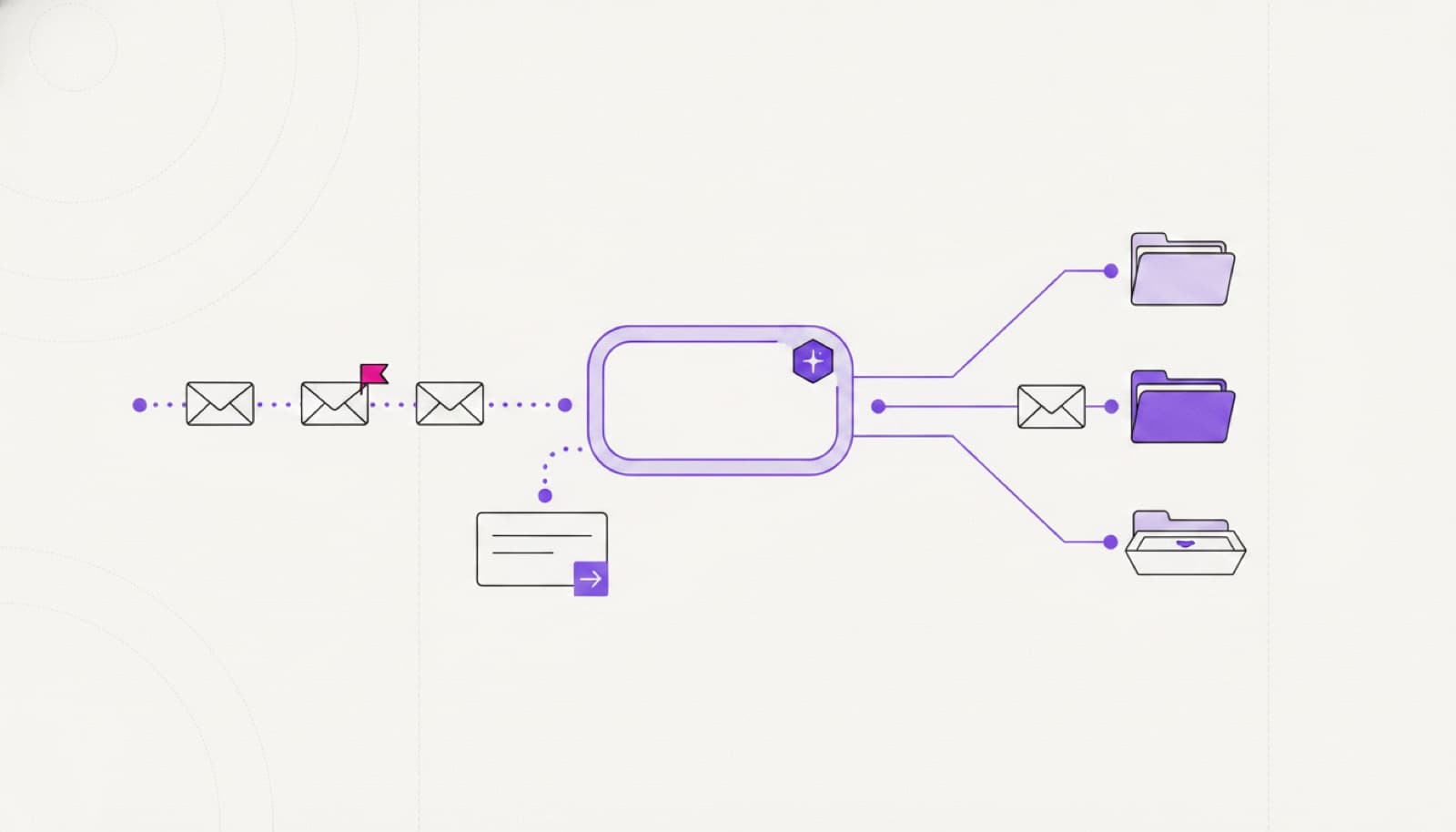
An intelligent email agent that organises company mail by analysing content — sorting, tagging and routing so your team spends far less time on manual triage.
- SAVED / MONTH — SMALL TEAM
- 15–30h
- SAVED / MONTH — MID MARKET
- 60–120h
- SAVED / MONTH — HIGH VOLUME
- 200h+
- MAIL LOST OR MISROUTED
- near-zero
What it automates
- C·01
Content analysis
Each email is read and understood — topic, intent and urgency — rather than matched on keywords alone.
- C·02
Priority classification
Mail is sorted by subject and priority so the things that matter surface first.
- C·03
Auto-filing and tagging
Emails land in the right project folder and get consistent tags for fast retrieval.
- C·04
Attachment naming
Attachments are renamed to your convention automatically and stored where they belong.
- C·05
CRM association
Messages are linked to the right client record in your CRM so context travels with them.
- C·06
Draft replies and escalation
Standard queries get a drafted reply for review; urgent ones are escalated with context.
A triage flow that works inside the mailbox you already have.
The agent reads each incoming email in your Gmail or Outlook, works out topic, intent and urgency, then files it, tags it and links it to the right CRM record. Standard queries get a drafted reply waiting for review; anything urgent or unclear is escalated to a person with the full thread attached — nothing is sent or discarded on its own.
- email arrives
- topic & urgency classified
- filed & linked to crm
- reply drafted
- person reviews & sends
Measured in hours saved.
The agent classifies, files and drafts; a person sends anything that leaves the building. It runs against your own mailboxes and writes to your systems — no mail leaves your environment.
- 15–30hSAVED / MONTH — SMALL TEAM
- 60–120hSAVED / MONTH — MID MARKET
- 200h+SAVED / MONTH — HIGH VOLUME
- near-zeroMAIL LOST OR MISROUTED
How we take it to production
STEP 1 Pre-design
Discovery call and a technical audit of your mailboxes, folders and current triage rules.
STEP 2 Rules and data
We map categories, priorities, naming conventions and the CRM the agent should write to.
STEP 3 Pilot
We run the agent on one inbox or team — real mail, real routing, drafted replies for review.
STEP 4 Rollout
We measure hours saved and misrouting avoided, then scale across mailboxes and teams.
01Does it send replies on its own?
By default it drafts; a person sends. You can auto-send low-risk, high-confidence replies once you trust them, but the default keeps a human in the loop.
02Does it work with our email provider?
Yes — Gmail or Outlook, plus the CRM and storage you already use. We connect to your accounts rather than moving your mail.
03How does it decide priority?
It reads the content and applies the categories and rules you define. The taxonomy is yours; the agent applies it consistently and improves with feedback.
04Is our mail data safe?
The agent runs against your own mailboxes and writes back to your systems — nothing leaves your environment.
05How long to a live pilot?
A first inbox is usually live within a few weeks of pre-design.
Pre-design is free.
Before you commit to anything, we analyse the process, size the return, and design the agent around your team.
- Discovery call and a demo of the solution
- Technical audit of the current workflow
- Return-on-investment estimate
- Third-party accounts and access planning
- Operating flows designed around your team
- Data and database requirements analysis
- 01Map the workflow
- 02Estimate hours saved
- 03Scoped proposal

§ 08
Put this agent to work.
Book a 30-minute scoping call: we map the workflow, the tools it needs from your system, and the hours it returns.