
Warehouse-Management Agent
An advanced warehouse-management agent that automates stock control with predictive analytics and smart checks, optimising inventory levels and cutting holding costs.
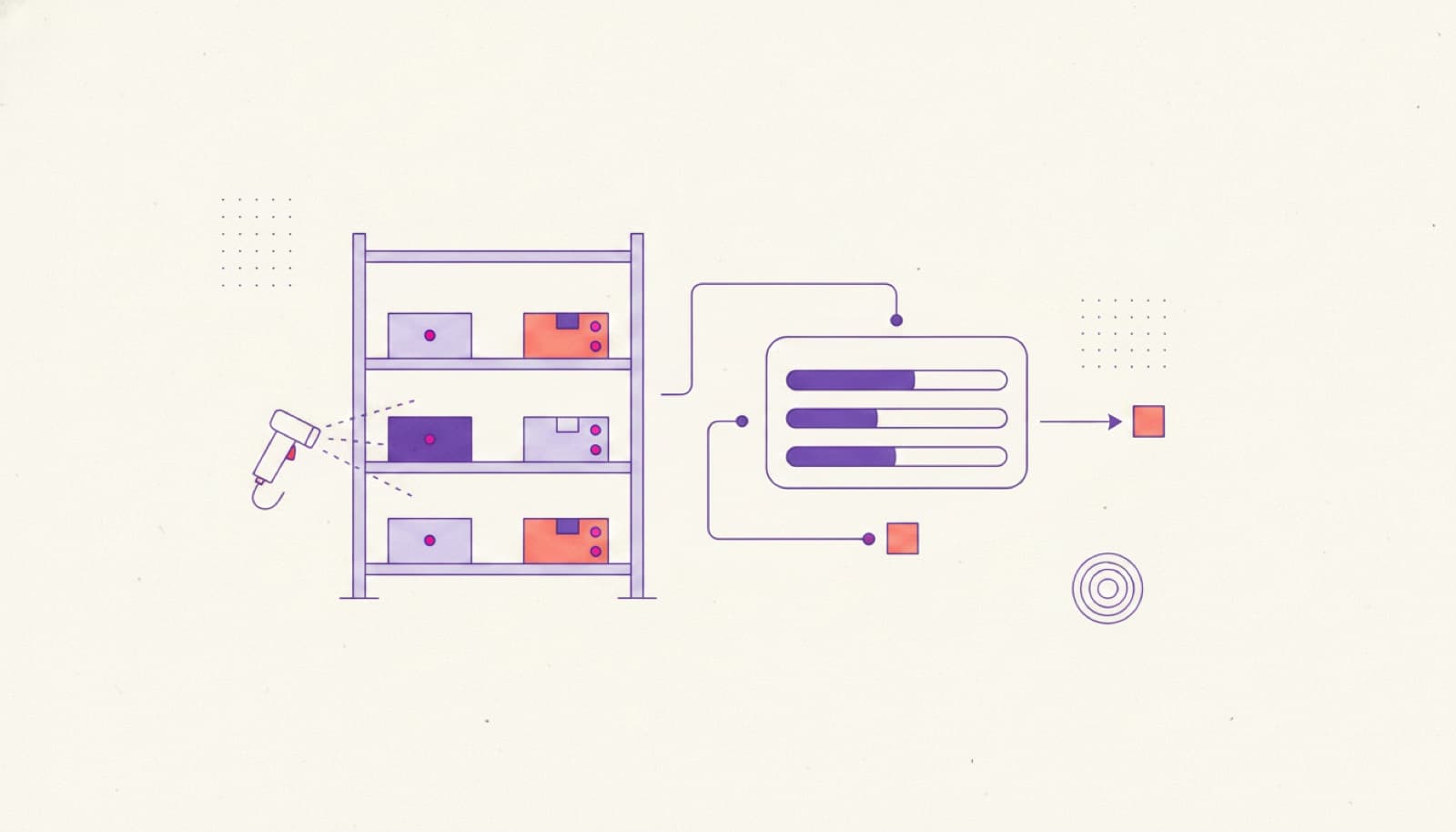
- SAVED / MONTH — SMALL TEAM
- 20–40h
- SAVED / MONTH — MID MARKET
- 80–160h
- SAVED / MONTH — MULTI-SITE
- 250–400h
- STOCK-OUTS AND OVERSTOCK
- fewer
What it automates
- C·01
Stock-level monitoring
Levels are tracked automatically with alerts when items cross the thresholds you set.
- C·02
Demand forecasting
Predictive analysis on your sales history anticipates demand and smooths purchasing.
- C·03
Reorder suggestions
The agent proposes order quantities and timing; your team approves before anything is placed.
- C·04
Rotation and dead stock
Product rotation is analysed and slow-moving or dead stock is surfaced for action.
- C·05
Real-time dashboard
The main logistics KPIs sit on one live dashboard instead of scattered spreadsheets.
- C·06
ERP integration
Stock, accounting and expiry alerts stay connected to the ERP you already run.
A stock flow that watches your ERP so your team doesn't have to.
The agent reads stock movements and sales history straight from your ERP, forecasts demand per SKU and flags what to reorder before a shelf runs empty. Every suggestion shows the data behind it, and your purchasing team approves before an order is placed — unusual demand spikes and expiring lots are escalated, not guessed at.
- stock level crosses threshold
- demand forecast run
- reorder proposed
- purchasing approves
- order synced to erp
Measured in hours saved.
The agent forecasts and recommends; your purchasing team approves reorders. Stock and sales data stay in your ERP — nothing leaves your environment.
- 20–40hSAVED / MONTH — SMALL TEAM
- 80–160hSAVED / MONTH — MID MARKET
- 250–400hSAVED / MONTH — MULTI-SITE
- fewerSTOCK-OUTS AND OVERSTOCK
How we take it to production
STEP 1 Pre-design
Discovery call and a technical audit of your stock data, ERP and current reorder process.
STEP 2 Data and thresholds
We map SKUs, sales history, lead times and the reorder rules that matter to you.
STEP 3 Pilot
We run the agent on one warehouse or product category — real stock, real forecasts, real alerts.
STEP 4 Rollout
We measure hours saved and stock-outs avoided, then scale across categories and sites.
01Does it place orders automatically?
It suggests reorder quantity and timing; a person approves. You can automate low-risk lines once you trust the forecasts, but the default is human approval.
02Does it connect to our ERP?
Yes. We connect to the system that already holds your stock and sales data rather than asking you to migrate. The agent reads and writes through your source of truth.
03How accurate is the demand forecast?
It's driven by your own sales history and lead times, and it improves as it sees more data. It's a decision aid for your purchasing team, not a black box.
04Can it handle expiry dates?
Yes. It alerts on products approaching expiry so you can prioritise picking and avoid write-offs.
05How long to a live pilot?
A first category or warehouse is usually live within a few weeks of pre-design.
Pre-design is free.
Before you commit to anything, we analyse the process, size the return, and design the agent around your team.
- Discovery call and a demo of the solution
- Technical audit of the current workflow
- Return-on-investment estimate
- Third-party accounts and access planning
- Operating flows designed around your team
- Data and database requirements analysis
- 01Map the workflow
- 02Estimate hours saved
- 03Scoped proposal

§ 08
Put this agent to work.
Book a 30-minute scoping call: we map the workflow, the tools it needs from your system, and the hours it returns.