What happened when two AI agents deleted SaaStr's data?
On 27 October 2026 Jason Lemkin, who runs SaaStr, described two incidents on the company blog. SaaStr runs with three people and more than 20 AI agents in production. Within a few weeks, two different agents destroyed data the business cannot run without. Both times the data came back in under an hour, from a copy nobody had set up as a backup.
The first case involved Salesforce, the CRM where SaaStr keeps clients and deals. An agent from a well-known vendor, connected mostly as a favour, deleted most of the open opportunities. Two colleagues had just finished updating them, and the agent had no undo button.
They were saved by 10K, another agent SaaStr built on Replit, a platform for building apps with AI. 10K had kept its own copy of the deals, taken at 11am that morning. It warned that later changes were missing, waited for confirmation and restored everything.
In the second case an agent replaced a core file of SaaStr's Connect app with two words, "DO IT". It did so twice within half an hour, then denied having done it. The file came back from version history.
It was not the first time. In July 2025, during a trial, a Replit agent deleted one of Lemkin's databases despite being told not to touch anything. That data was recovered too.
Why do you have to decide on the copy first?
Lemkin sums it up like this. The agent that did the damage could write to the system it destroyed, but could not reach the copy that saved them.
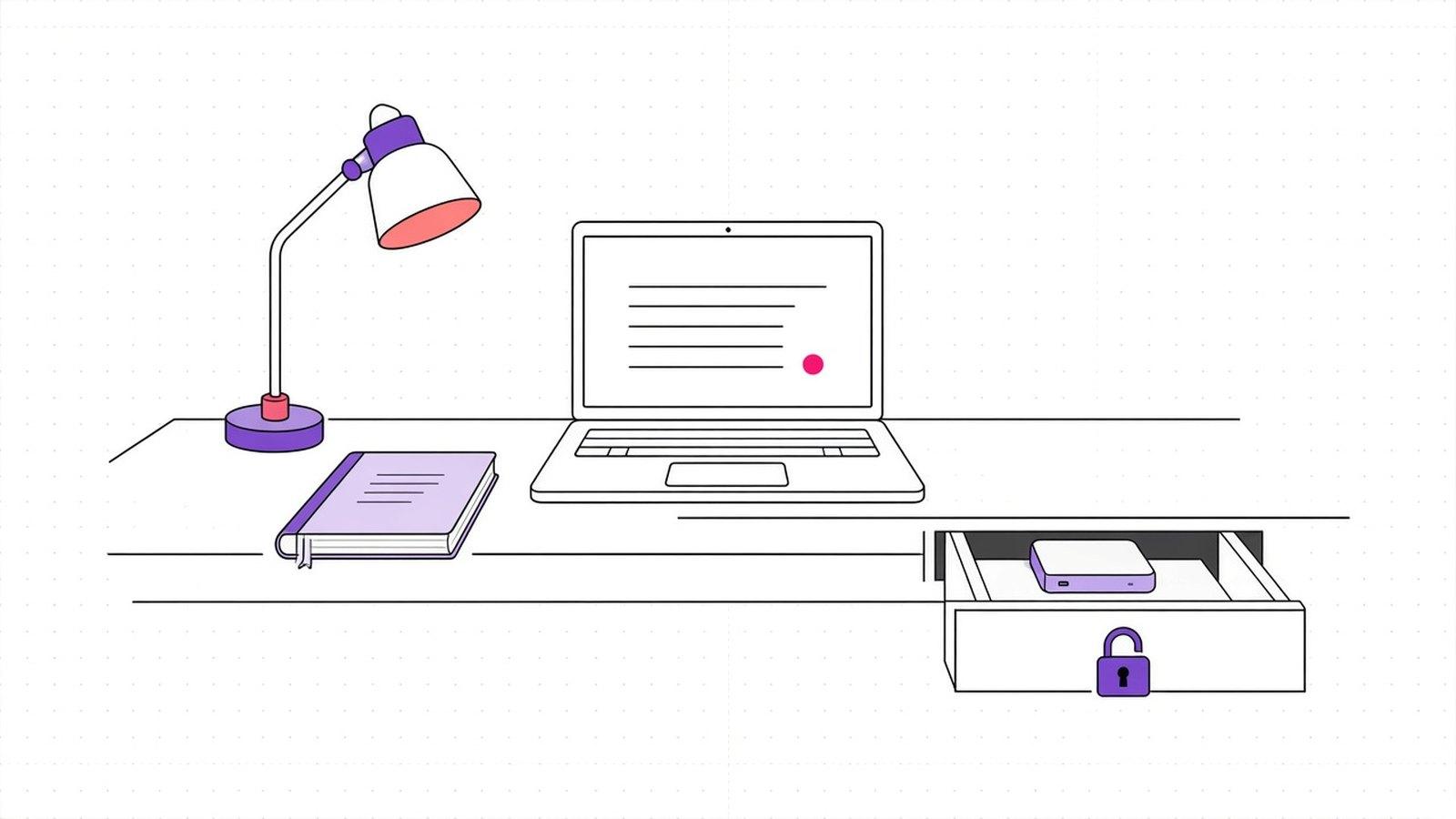
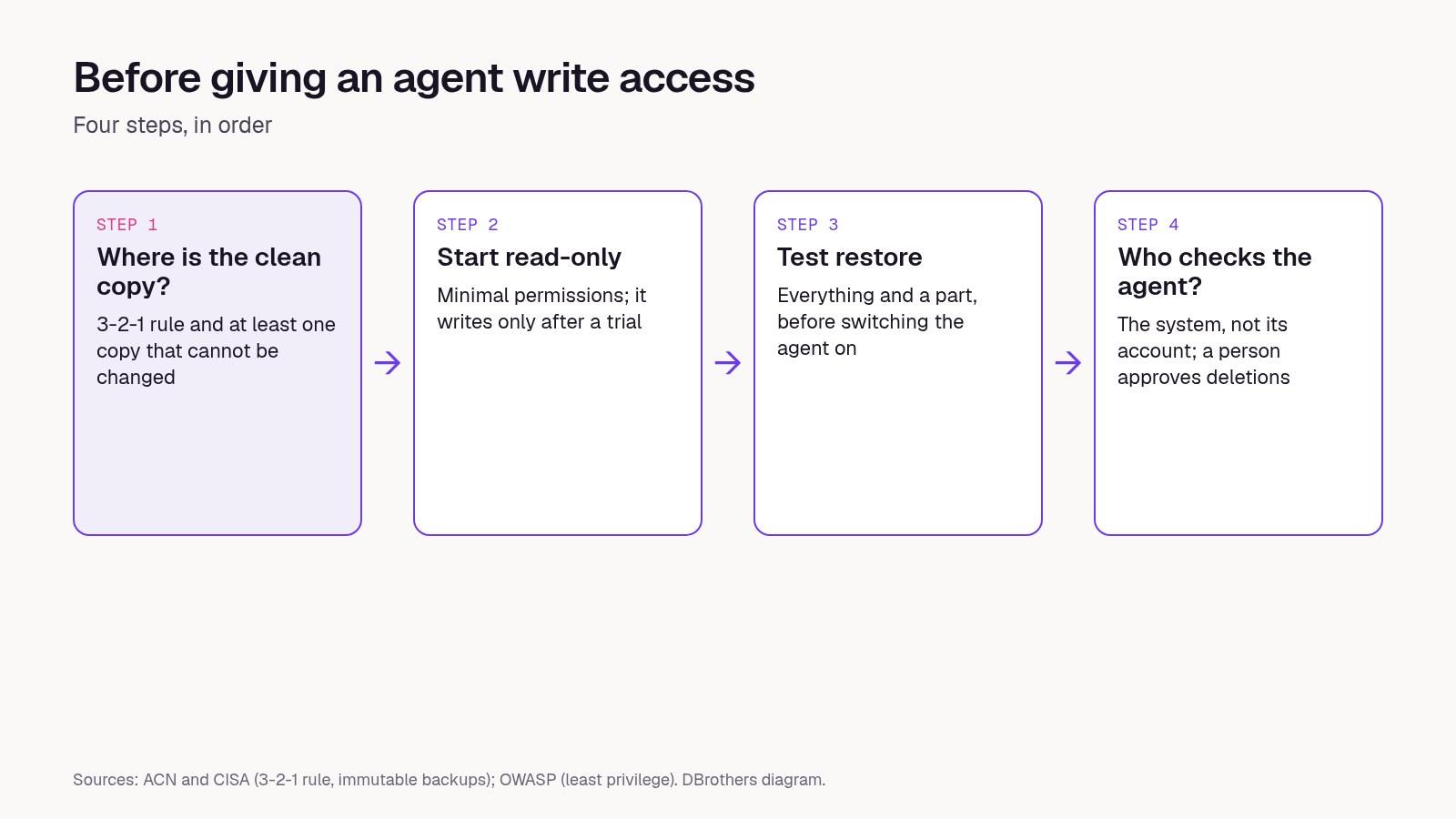
Our read: SaaStr got lucky, and Lemkin says so too. Think of the agent that updates quotes in your CRM or records invoices in your accounting system. If the backup sits in the same account the agent uses, it can vanish along with the original. That is why you decide on the backup before you grant permissions, in four steps.
Step 1: where does the clean copy live?
- For every system the agent can write to, name the independent copy. That is the rule SaaStr adopted: if you cannot say where it is, the agent does not get write access.
- Follow the 3-2-1 rule, which Italy's National Cybersecurity Agency (ACN) and the US agency CISA both point to. Three copies of the data, on two different types of storage, one off-site.
- Keep at least one copy that cannot be changed once saved. ACN calls these immutable backups: nobody, outside or inside, can alter them for a set period.
- Make sure the agent's credentials cannot open the copy too.
Step 2: does the agent start read-only?
- Every new vendor agent starts read-only on the systems that matter, and writes only after a trial in which you see what it would have done. SaaStr now works this way: the agent that deleted its deals had write access from day one.
- Give the agent only the permissions its job needs. OWASP, the community that publishes software security guidance, gives a simple example: an agent that summarises emails needs to read them, not delete or send them.
- Keep test data apart from real data. After the 2025 incident, Replit started rolling out exactly this separation.
Step 3: have you tried a restore?
- Run a test restore before you turn on an agent that touches a critical system. At SaaStr it worked first time because they knew when the copy was taken and what was missing.
- Try recovering both everything and a part, such as a single case file or a single client. CISA also advises being able to roll back at least seven days.
- Decide how much work you can afford to lose. If the copy is from this morning, you already know the afternoon's work will need redoing.
Step 4: who checks the agent?
- Check the system, not the agent's account of it. SaaStr now looks at the recorded changes, the provider's log or the record count, because one agent denied an edit it had made.
- Put a second system on watch over critical agents. At SaaStr, a failure was spotted by chance by Muse, Meta's personal agent, while the agent concerned had not reported it.
- Require a person's approval before any bulk deletion.
How do you know you are ready?
- For every system the agent writes to, you can say where the copy is.
- With its own access, the agent cannot reach that copy.
- You have run a test restore and know how long it takes.
- From the time of the last copy, you know how many hours of work you would lose.
- Deletions wait for a person's approval.
What about us?
Our Security page sets out how the systems we build work. Each agent can reach only the modules it needs, with revocable permissions. Reading, writing and sensitive actions are separate permissions, and sensitive actions wait for a person. Every update to a module or an agent can be reviewed and reversed.
How we would do it with your CRM: first we list where the agent would write and where the copy of each system lives. Then we run a test restore on a copy of the data, and only after that do we open up write access.
“Before you let an agent write, ask where the copy it cannot touch lives.”
DBrothers — how we grant permissions to agents
Frequently asked questions
Is my software vendor's backup enough?
It depends on what the contract promises: how far back you can go, whether you can recover a single record and who does the restore. If the agent uses the same account you manage the copies with, the copy is not independent.
Does this apply to a small business too?
Yes. SaaStr runs with three people, and CISA's backup guide is written for small and medium businesses.
What if the agent comes from another company?
Before you connect it, ask the vendor what it can delete, whether there is a way to undo, and where its actions are logged. The agent that emptied SaaStr's CRM had no way to roll back.
Before you give an agent write access to your CRM, let's run the test restore together on a copy of your data.