What happened with GPT-6.1 Terra?
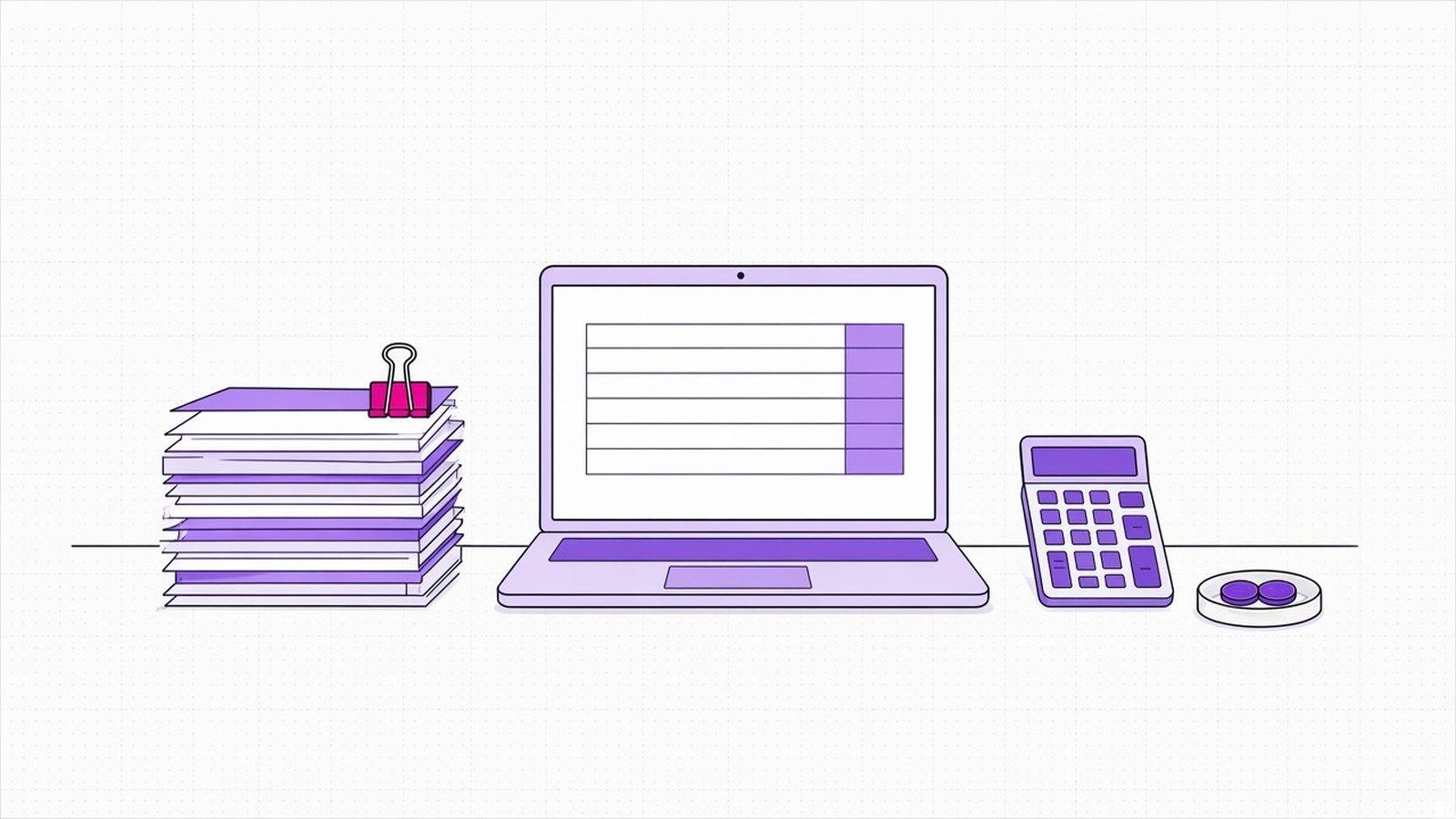
On 26 October 2026 OpenAI released GPT-6.1 Terra, a fast, lower-cost model built to read what is on screen and use software. OpenAI says its standard API prices are 50% lower than GPT-5.6 Terra's. As its example of high-volume work, it names reading incoming invoices and entering their details into accounting software.
- The standard API price is $1 per million input tokens and $5 per million output tokens. A token is a small piece of text, about part of a word.
- On OpenAI's price list, GPT-5.6 Terra costs $2 in and $12 out. Input is exactly half price; output is 58% cheaper.
- Batch processing, for work that doesn't need an answer straight away, costs half again: $0.50 in and $2.50 out.
- It is available in ChatGPT Work and Codex on Plus, Pro, Enterprise and Edu plans, and through the API.
What does it mean for your business?
Take an accounts office that receives 1,000 supplier invoices a month. Here is a worked example on our own assumptions, not OpenAI's. Reading one invoice uses 5,000 input tokens and writes 500 output tokens. At Terra's prices that is about $7.50 per 1,000 invoices. The same work on GPT-5.6 Terra would cost about $16.
Our read: at these volumes the model bill is small either way. What really costs money is the person who checks each invoice and the errors that slip through. A lower price helps most when it lets you move work that was too expensive to automate, such as reading long attachments or running a second check on every document.
What about us?
OpenAI is among the models we build with, listed on our Partners page, and our systems can swap one model for another. On our Pricing page the worked examples count person-minutes per case, before and after, because that is the number that pays back.
What should you do now?
- If you already automate a high-volume task, test GPT-6.1 Terra on 50 real cases and compare cost and errors per finished task.
- If a task was too costly to automate, redo the sums with the new prices and a realistic number of documents.
- If a delay of a few hours is fine, as with overnight invoice processing, check batch pricing.
“A cheaper model is good news only if you know what each task costs you today.”
DBrothers — how we price an agent
Before you switch models, work out the cost of one finished task in your process: documents a month, minutes a person spends on each, errors found. We can do that sum with you on a real process, before you start.