What is a proactive AI agent, and who launched them?
On 21 October 2026 Anthropic opened a research preview of Claude Duet, an app where Claude works as a proactive agent. Each morning it sends you a short brief on the important items in your connected apps. During the day it checks them again every few hours and messages you only when needed. For now you join through a waitlist, in the US only, on the Pro, Max and Ultra plans.
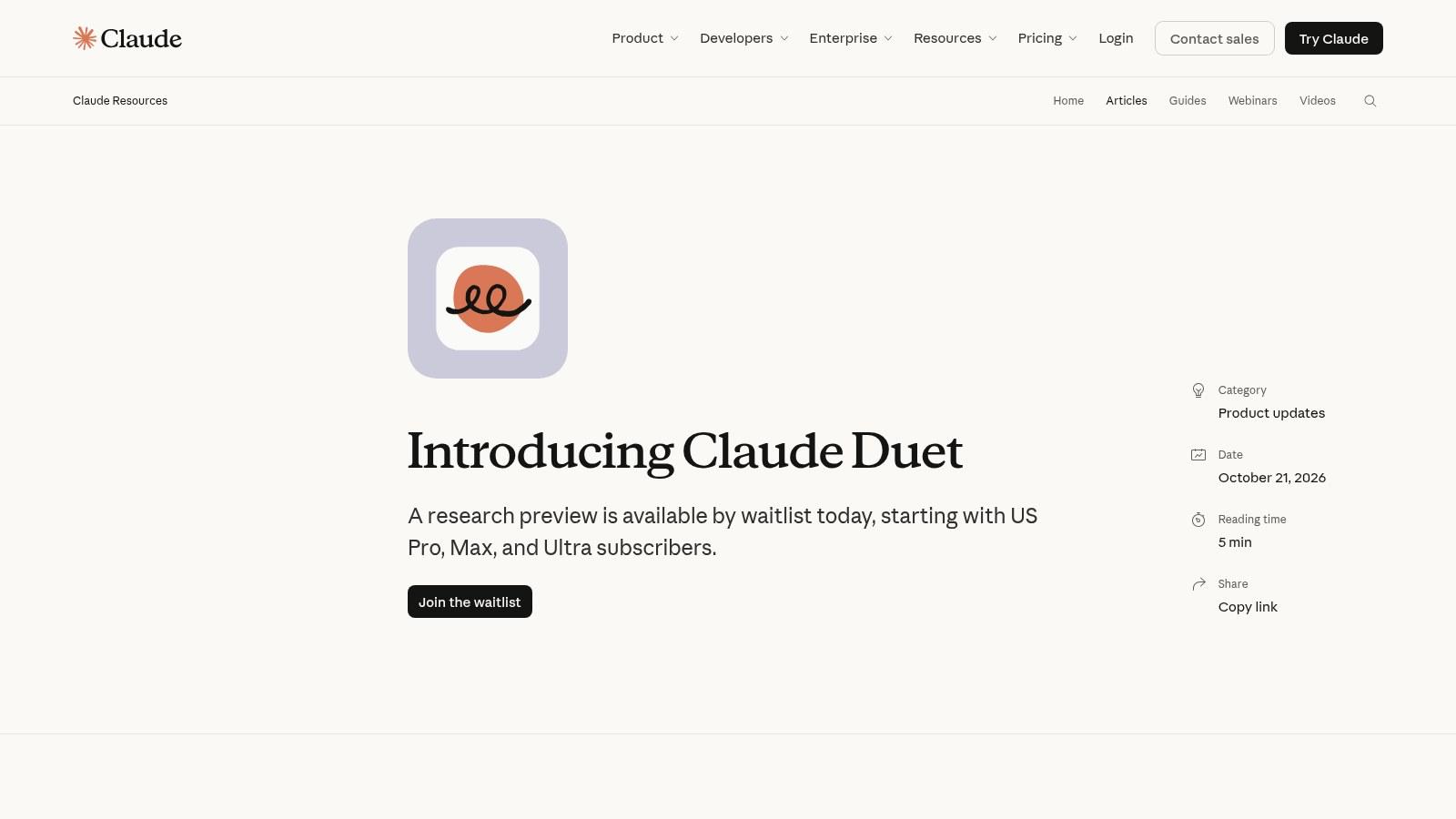
Duet comes third. In September Meta launched Muse, a personal agent you talk to like a person, in its app or on WhatsApp. A few weeks later OpenAI introduced dots, always-on agents inside ChatGPT, and at the end of October it added the option to text them from your phone.
The three products look alike. Each one has its own computer in the cloud, with a browser, and keeps working after you close the app. It comes back to you when it has finished or needs to ask you something.
The audience is there. According to Sensor Tower data reported by TechCrunch, only 11 other apps had reached 10 million US downloads in their first 40 days. The same article notes that Meta also pushed Muse with heavy advertising.
What can it do in the office, in practice?
Anthropic says it built Duet for professionals and small business owners with more on their plates than they can track. Many of the examples the three companies publish come from office work.
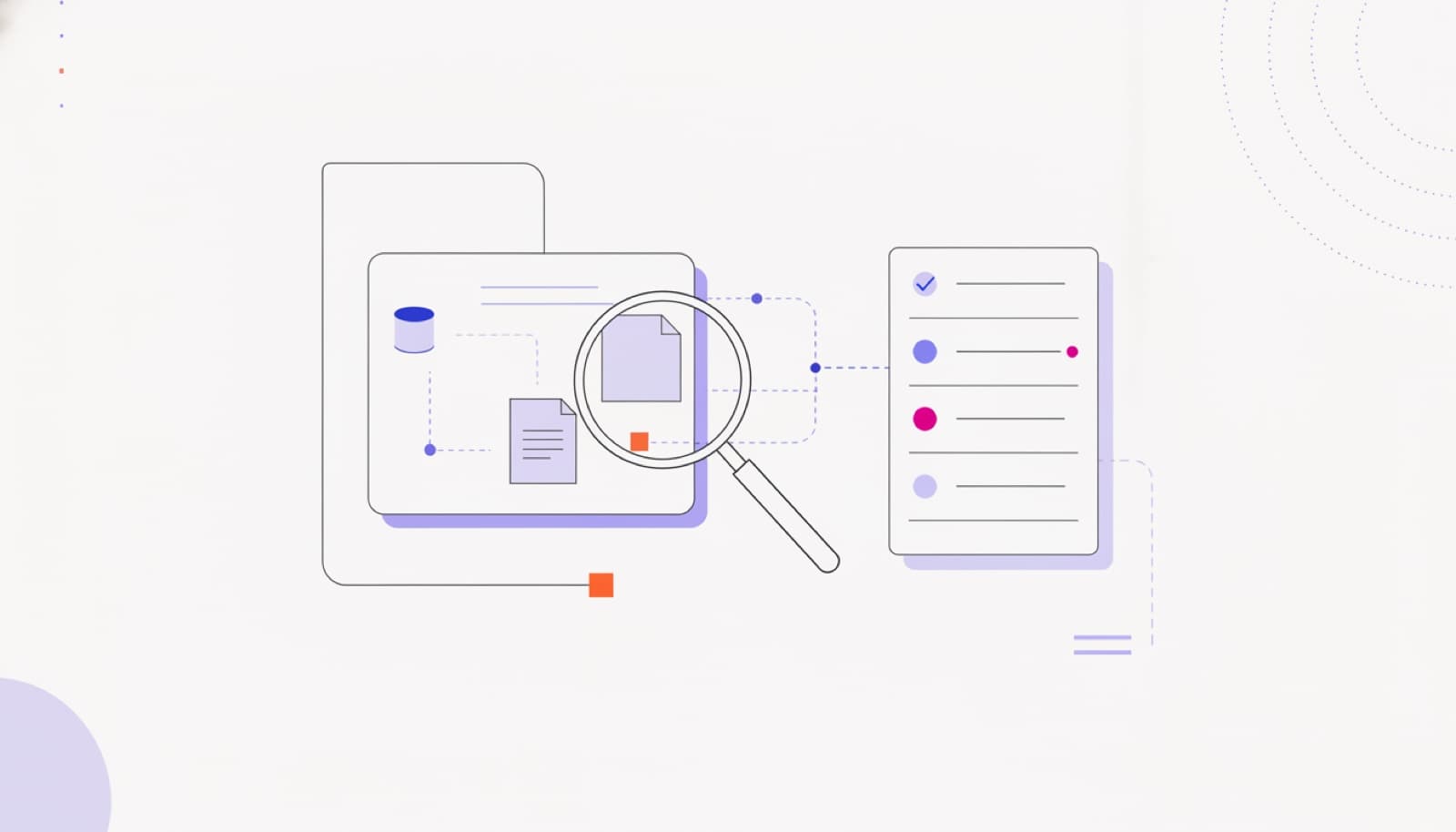
- Invoices. Duet can look in QuickBooks or Stripe, two accounting and payment services, find unpaid invoices and draft reminders.
- Forgotten work. According to OpenAI, an early tester's dot noticed he had forgotten to invoice a client. It prepared the invoice and sent it after his approval.
- Calendar. A brand strategist told Anthropic that Duet spotted a client call booked right before her flight, and offered to move it.
- Cross-checks. SaaStr, which runs with three people and more than 20 agents, writes that Muse flagged a broken connection that another agent had not reported.
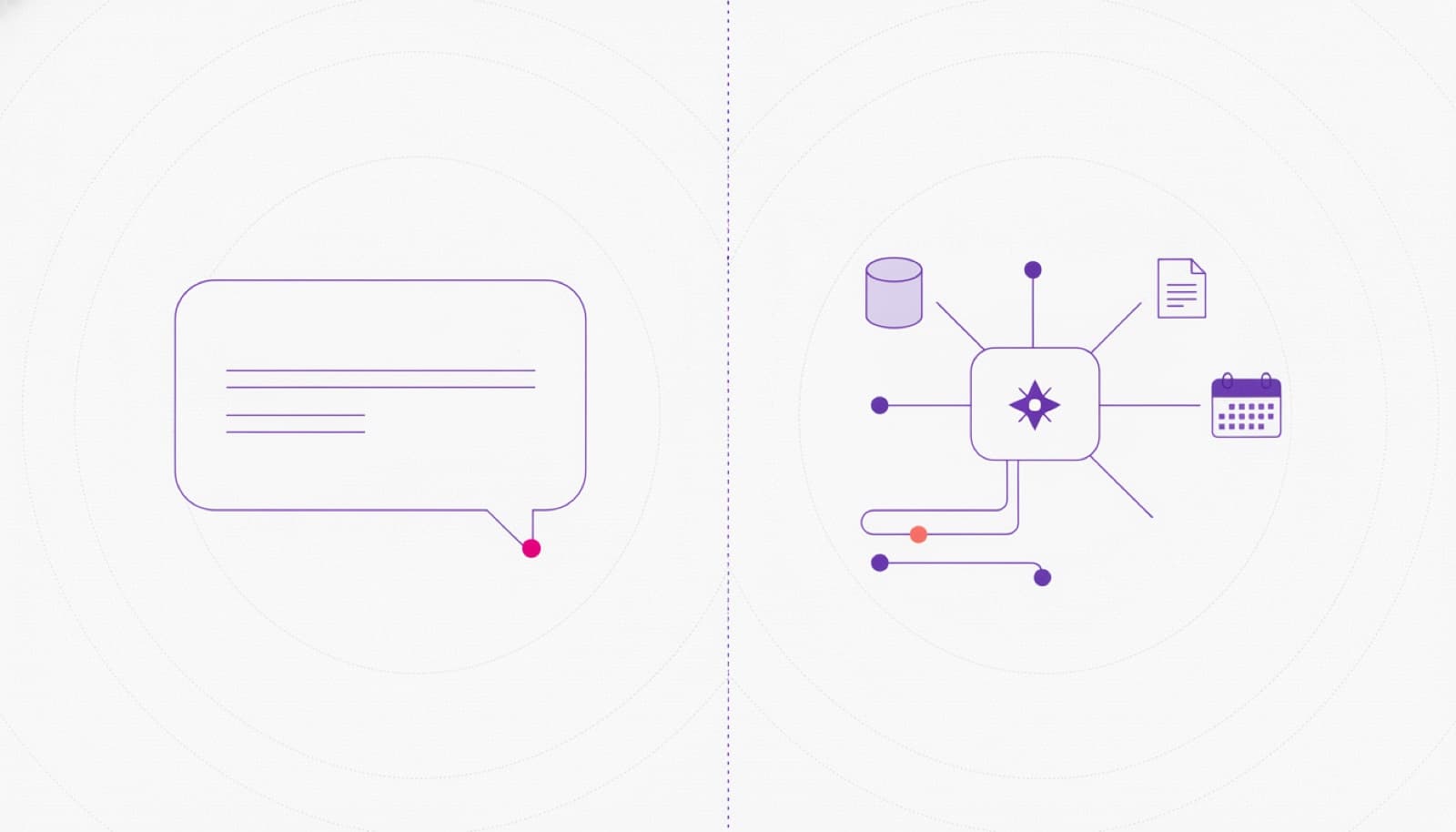
In each case the agent moves first. It does not wait for a question: it looks at your email and calendar and tells you what does not add up. A chatbot, by contrast, answers only when you write to it.
Who decides what the agent does on its own?
All three ask before sensitive actions. Duet shows you what it is about to do and waits for your approval before it sends a message, makes a payment, signs a document or deletes anything. Some things it refuses even with your approval, such as moving money between accounts. Muse asks before it sends an email or makes a purchase, and keeps a record of everything it has done.
With dots, you set the rules. For each action you can allow it, require approval or block it. When they work in the background they use your connected apps read-only, OpenAI explains, so they cannot send messages or change content. OpenAI also warns that dots can make mistakes and that important work should always be reviewed.
Why does it matter for your business?
Our read: these agents are personal. They work for whoever turns them on, with that person's access. If an employee connects their work email or the CRM, the system where you keep clients and deals, to their own agent, the company may not know what it reads or where the data goes.
OpenAI separates the two cases too. Next to the personal dot it is piloting specialist dots with a few companies, each with its own identity and with access set by the organisation. For work that touches company systems, in other words, you need a company agent.
In Europe there is still a little time. Duet and Muse start in the US, and for Pro subscribers OpenAI excludes the European Economic Area, Switzerland and the UK for now. Use that time to write the rules, before someone brings these agents into the office on a personal phone.
What about us?
How we would do it: we start from a short list. Which work apps can be connected, with which account, and what the agent may do without asking. Read-only at first, then a person's approval for sending, paying and deleting.
When a job has to write to your business systems and leave a trail in the company's name, you need an agent with its own identity and limited permissions. That is the work of our AI agents & automation service.
So what should you do?
- If a colleague uses one only for their own calendar and notes, with no client data, let them try it with a few written rules.
- If the agent would read work email, the CRM or invoices, decide the account first, start read-only and require approval for every message it sends.
- If it touches personal data of clients or citizens, check where the data goes before you connect it, not after.
- If the job has to write to business systems in the company's name, skip the employee's personal agent and use an agent with its own identity.
“An agent that messages you first is useful once you have decided what it may look at and what it may touch.”
DBrothers — how we design agents with permissions
Frequently asked questions
Can I use Claude Duet in Europe?
Not yet. The research preview is open only to some paying subscribers in the US, through a waitlist.
How is it different from a chatbot?
A chatbot answers when you write to it. A proactive agent checks your connected apps on its own, keeps working after you close the app and messages you when it needs a decision.
Can these agents see my passwords?
All three companies say no. Credentials stay in protected storage and the agent uses them without seeing them. Which accounts to connect is still your choice.
If someone on your team already uses a personal agent with work email, start there. We will write down together what it connects to and what it may do without asking.