What is agent-desktop and why is everyone talking about it?
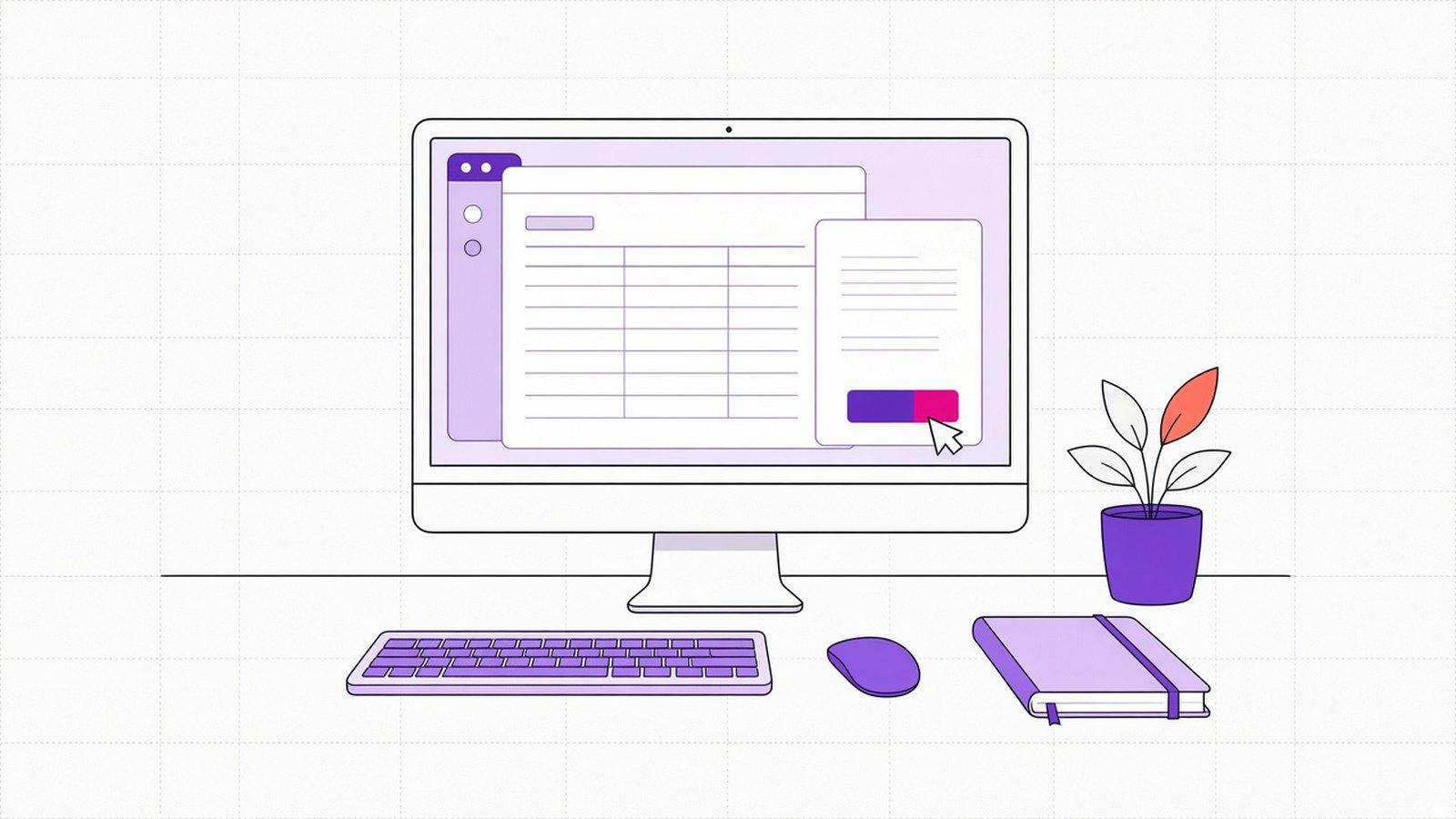
On 31 October 2026 Chris Tate, of Vercel Labs, announced agent-desktop on X. It is an open-source tool that lets an AI agent use the apps on a computer: open a program, read a field, press a button, type. It works on macOS, Windows and Linux. An hour and a half later Guillermo Rauch, Vercel's CEO, shared the post with one line: "An agent on every desktop".
The project has passed 10,000 stars on GitHub, a sign that many developers are watching it. It uses the Apache 2.0 licence, which allows commercial use.
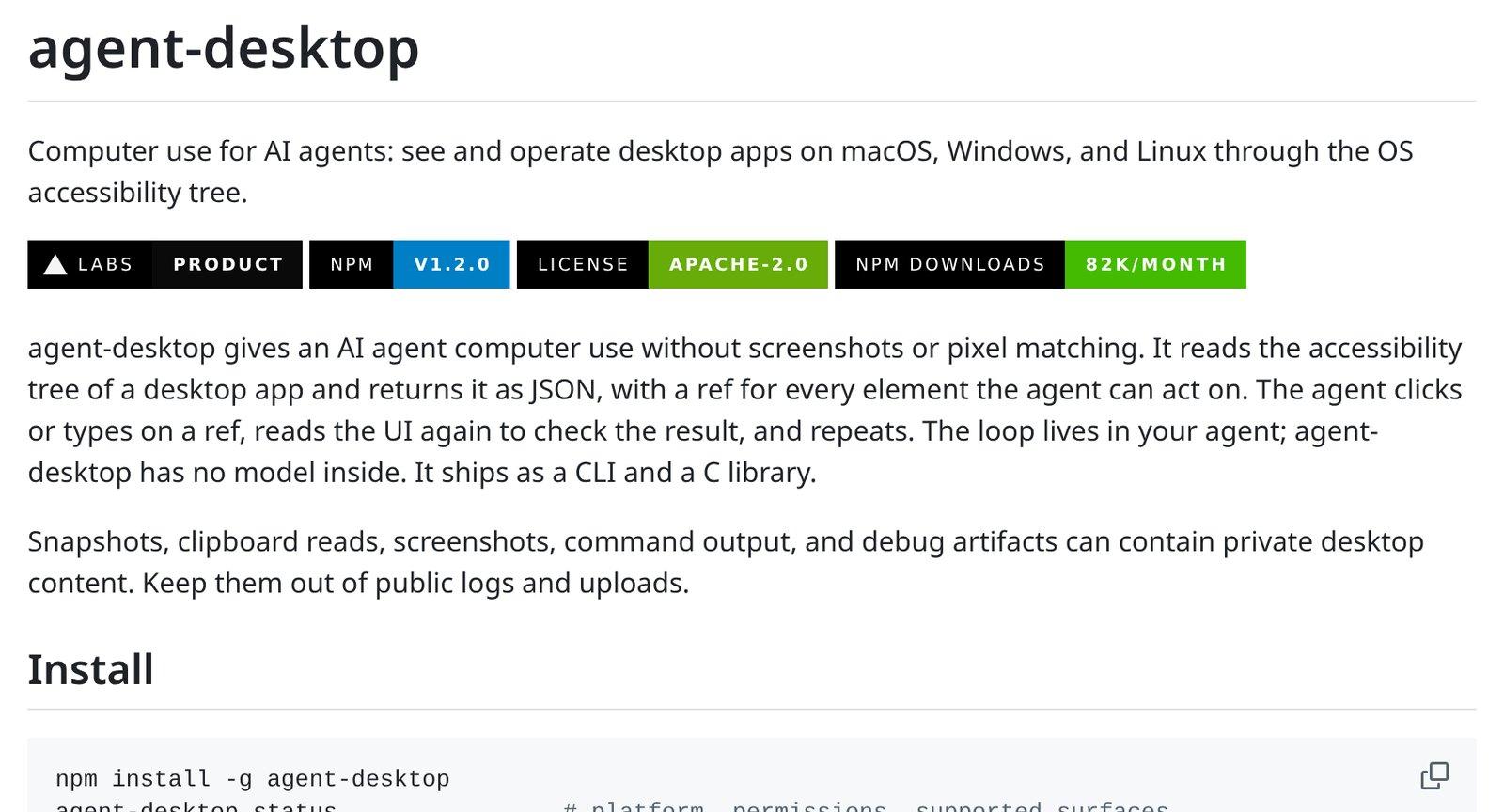
How it works, in plain terms. Every operating system describes its windows to tools that help people read them, such as screen readers for blind users. This is the accessibility tree, a list of buttons, fields and menus with their names. Agent-desktop reads it and hands it to the agent, which picks where to act. Then it reads the window again to check the action worked.
What could a business or public body use it for?
A lot of office work still runs through programs installed on a PC that don't connect easily to other systems. Here are three ways it could be used.
- Copy the details of an invoice that came by email into the accounting program on the PC, field by field.
- Read an order's status in a desktop management system and draft the reply to the customer's email.
- Run the same export from a program every morning and save it in the shared folder.
According to the documentation, actions run without moving the mouse or taking over the screen. The person at the computer can keep working while the agent uses another program.
What doesn't it do (yet)?
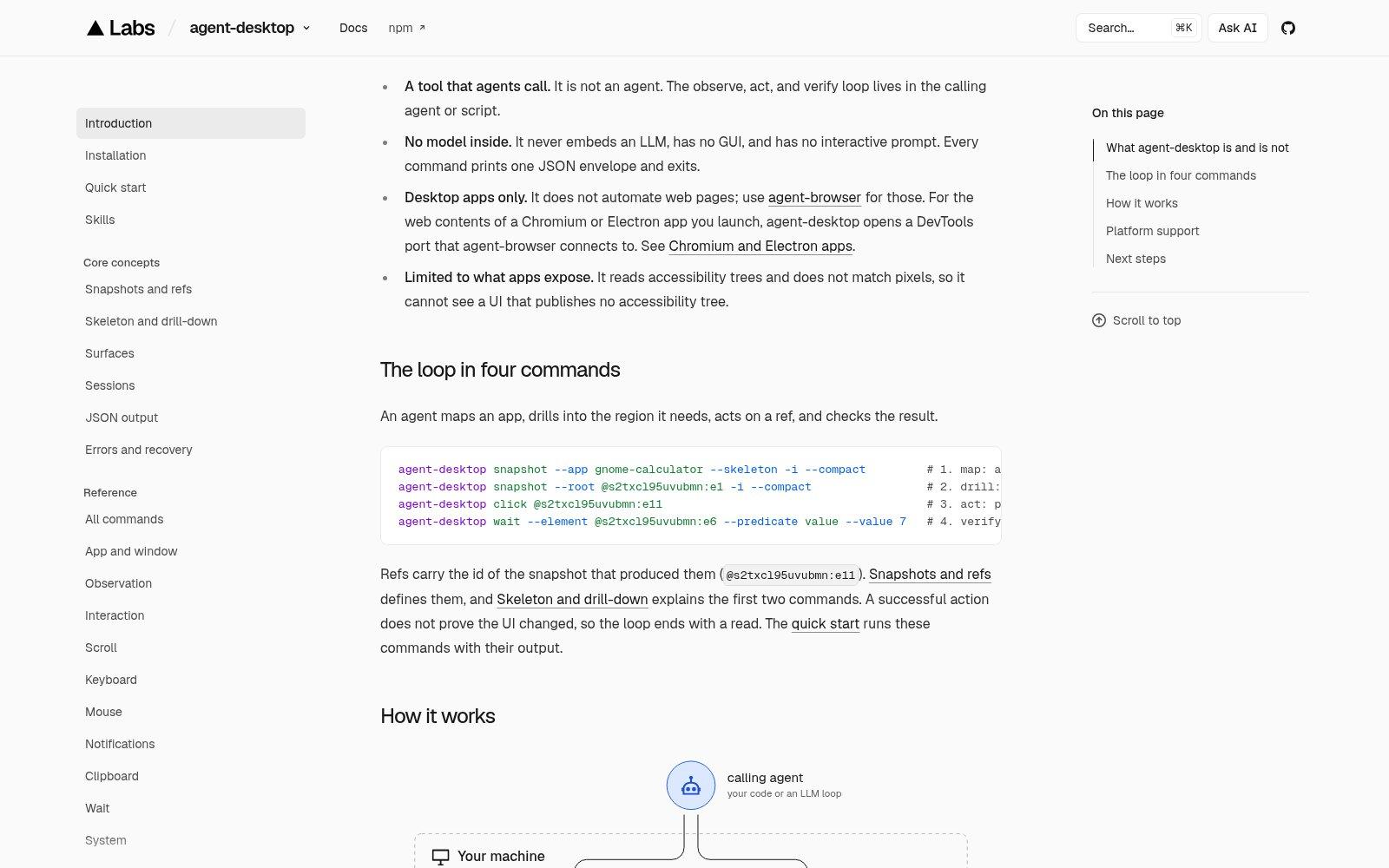
Agent-desktop is not an agent. It contains no AI model. It runs commands and answers with the list of elements in the window. The agent using it decides what to do, so the quality of the work depends on that agent.
It only sees what programs describe to the system. According to the documentation, if an app publishes no accessibility tree, agent-desktop can't see it. That happens with old or unusually built programs, and it is the first thing to check.
Then there are permissions and data. On macOS you grant Accessibility permission to the program that runs it; on Windows no grant is needed for programs running with the user's own privileges. Window reads, clipboard contents and screenshots can hold private data, and the project asks you to keep them out of public logs. For web pages Vercel has another tool, agent-browser.
What about us?
We don't use agent-desktop in production. In the systems we build, the agent works on your software through dedicated tools, starts read-only, and every action stays in a log, as our Pricing and Security pages explain.
How would we use it? For a program with no other way in, on a test PC with dummy data. First we check that the program describes its windows. Then the agent reads without writing, and a person compares the result. Only after that does it get to write, with a person approving every save.
Should I try it or wait?
- If the program already has a direct connection to other systems or a data export, use that, because it is more stable.
- If it doesn't but it describes its windows to the system, try agent-desktop on a test PC with dummy data.
- If the work touches payments, personal data or files with a deadline, wait until you have limited permissions, an action log and a person's approval.
“An agent that uses your programs works with your keys. Decide what it can open before you decide what it can save.”
DBrothers — how we trial an agent on desktop software
Frequently asked questions
Is agent-desktop free?
Yes. It is open source under the Apache 2.0 licence, which also allows business use. The real cost is the AI model that drives it and the time to set it up and check it.
Will it work with my management software?
It depends on how the software is built. If it describes its windows to the operating system, agent-desktop can read and use them. If it only shows an image, it can't. A few minutes of testing will tell you.
Does my data leave the computer?
The core tool doesn't need an outside service. But the agent driving it usually runs on a cloud model, and that model receives whatever the agent reads. Decide first which data it may see.
Think of a program you open every day and copy data out of by hand. Start there. We can check together whether it describes its windows or whether there is a simpler way to connect it.