
Shift-Scheduling Agent
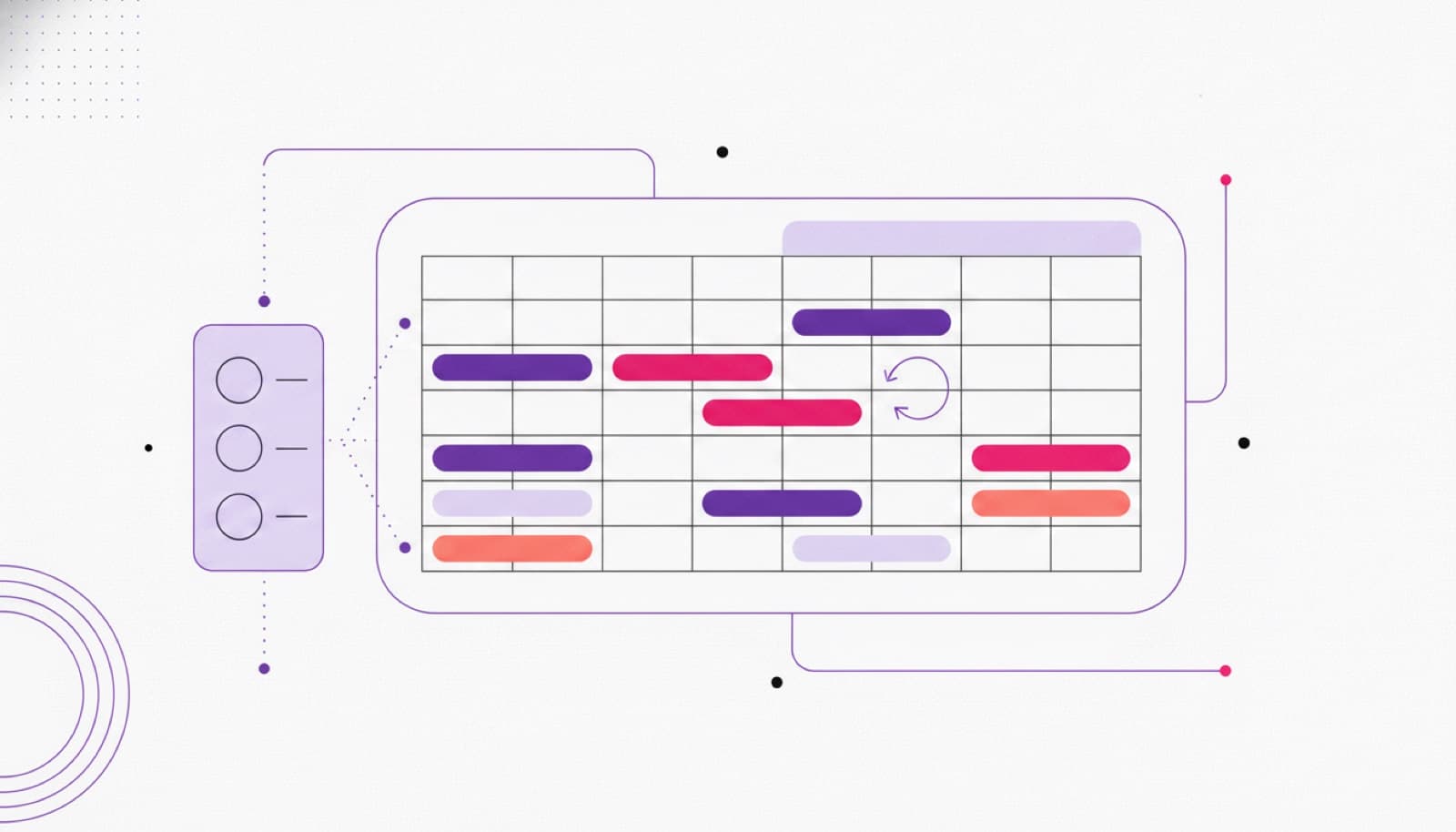
An integrated agent for shift management that combines smart planning, direct WhatsApp communication with staff, and automatic checks on limits and thresholds to keep coverage right.
- SAVED / MONTH — SMALL TEAM
- 20–40h
- SAVED / MONTH — MID MARKET
- 80–160h
- SAVED / MONTH — MULTI-SITE
- 250–400h
- SCHEDULING ERRORS AND GAPS
- fewer
What it automates
- C·01
Direct chat with staff
A WhatsApp interface handles shift questions, swaps and updates without the back-and-forth landing on a manager.
- C·02
Leave and time-off requests
Holiday and permission requests are captured, checked against coverage and routed for approval.
- C·03
Swaps and substitutions
Colleagues arrange cover between themselves; the agent keeps the schedule and the rules consistent.
- C·04
Contract and legal limits
Working-time rules, rest periods and overtime thresholds are checked automatically before a shift is confirmed.
- C·05
Manager dashboard
A team overview shows coverage, gaps and overtime at a glance, with push notifications on changes.
- C·06
Attendance and reporting
Presence and absence reports are generated automatically and can feed your time-tracking system.
A scheduling flow that runs in the chat your team already uses.
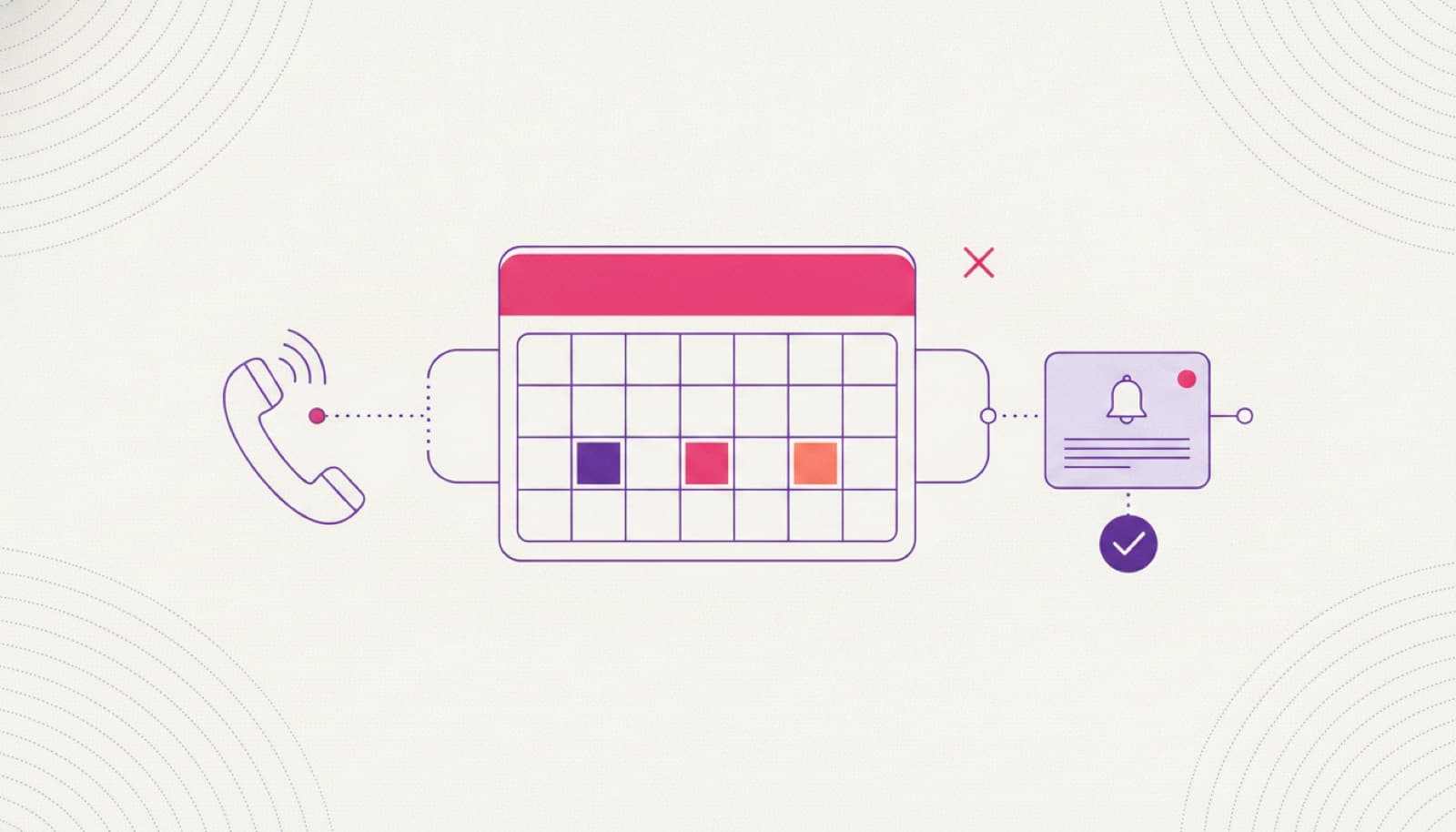
A staff member asks for a swap or a day off on WhatsApp; the agent interprets the request, checks it against coverage, contract limits and rest rules, and updates the schedule in your calendar or spreadsheet of record. Every change is logged, and anything that breaks a rule or needs judgement goes to a manager for a one-click decision.
- swap request on whatsapp
- rules & coverage checked
- manager approves
- schedule updated
- team notified
Measured in hours saved.
The agent proposes and communicates; a manager approves every swap, leave request and published schedule. Working-time rules stay yours and are applied consistently. Data stays in your systems.
- 20–40hSAVED / MONTH — SMALL TEAM
- 80–160hSAVED / MONTH — MID MARKET
- 250–400hSAVED / MONTH — MULTI-SITE
- fewerSCHEDULING ERRORS AND GAPS
How we take it to production
STEP 1 Pre-design
Discovery call and a technical audit of how your shifts, rules and communication work today.
STEP 2 Rules and data
We map contracts, thresholds, roles and the calendar or spreadsheet the schedule lives in.
STEP 3 WhatsApp pilot
We put the agent on one team or site — real shifts, real requests, real coverage rules.
STEP 4 Rollout
We measure hours saved and coverage, then scale across teams and locations.
01Does it talk to staff on WhatsApp?
Yes. Staff request time off, arrange swaps and get updates in the chat they already use — the agent handles the routine exchanges and only escalates the decisions that need a manager.
02Can it enforce our working-time rules?
Yes. Contract limits, rest periods and overtime thresholds are checked before a shift is confirmed. The rules stay yours; the agent applies them consistently.
03Does it replace our scheduling tool?
It works with what you have — calendar, spreadsheet or HRIS. We connect to your source of truth rather than forcing a migration.
04Who approves swaps and leave?
Your managers do. The agent gathers the request, checks it against coverage and rules, and presents it for a one-click decision.
05How long to a live pilot?
A first team is usually live within a few weeks of pre-design, on real shifts and real communication.
Pre-design is free.
Before you commit to anything, we analyse the process, size the return, and design the agent around your team.
- Discovery call and a demo of the solution
- Technical audit of the current workflow
- Return-on-investment estimate
- Third-party accounts and access planning
- Operating flows designed around your team
- Data and database requirements analysis
- 01Map the workflow
- 02Estimate hours saved
- 03Scoped proposal

§ 08
Put this agent to work.
Book a 30-minute scoping call: we map the workflow, the tools it needs from your system, and the hours it returns.